How to Design a Functional Home Office
Discover essential tips and strategies for designing a functional home office that boosts productivity and comfort.
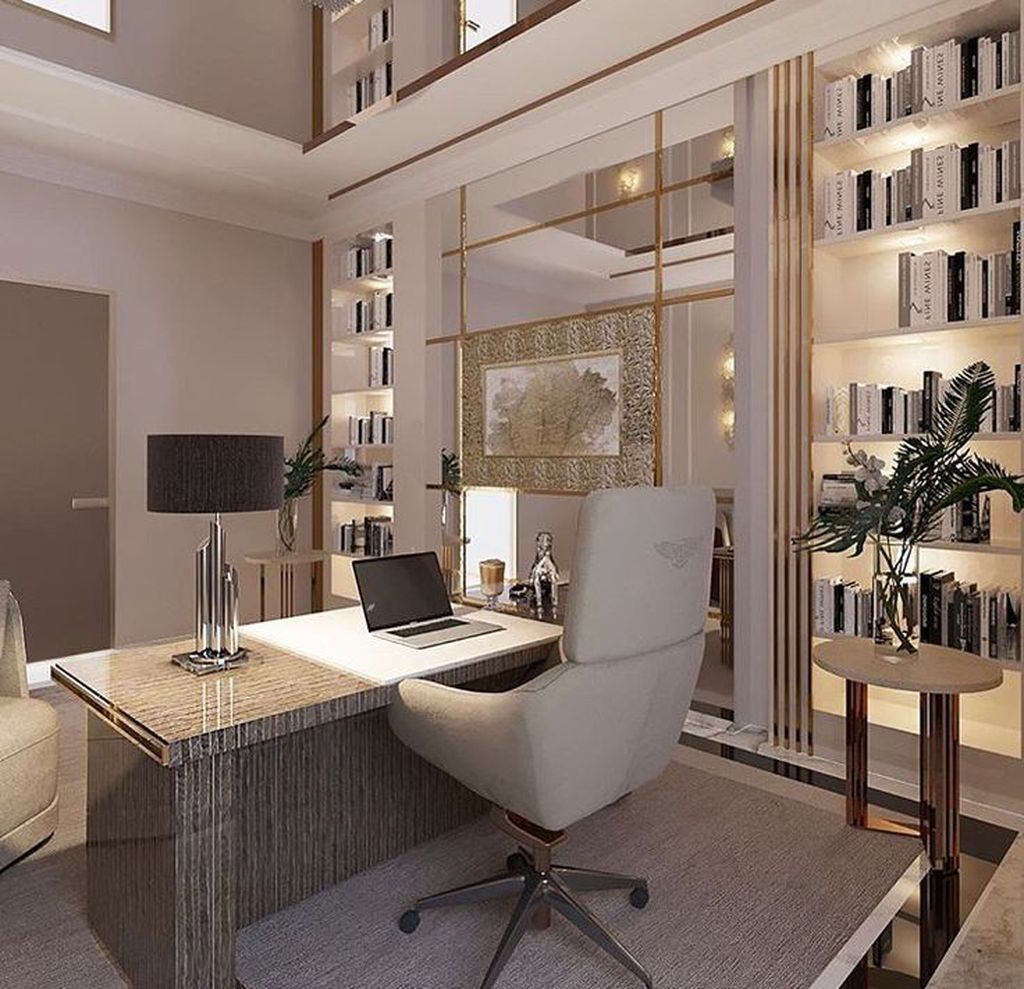
Assess Your Space Needs
Designing a functional home office starts with assessing your space needs. Consider the nature of your work and the amount of space you require for different activities. For instance, if your work involves large drawings or physical documents, you'll need a larger desk area. On the other hand, a digital nomad might require just a compact desk with ample storage. Think about whether you'll need space for meetings or if you work better in a more secluded, quiet area. Evaluate your daily tasks and the equipment you need to accomplish them, such as computers, printers, and filing cabinets. By understanding your space needs, you can better plan the layout of your home office to ensure it supports productivity and comfort.
Choose the Right Furniture
Selecting the right furniture is crucial for a functional home office. Ergonomic furniture can make a significant difference in your comfort and productivity. Start with a good-quality office chair that supports your back and promotes good posture. Your desk should be at a height that allows your arms to rest comfortably while typing. Consider adjustable desks if you prefer standing while working. Storage solutions like filing cabinets, shelves, and drawers help keep your workspace organized and clutter-free. Opt for furniture that fits well in your space without making it feel cramped. Investing in quality furniture will not only enhance your work environment but also contribute to your overall well-being.
Optimize Lighting
Lighting plays a critical role in creating a functional home office. Natural light is the best option as it boosts mood and productivity. Position your desk near a window to take advantage of natural light, but be mindful of glare on your computer screen. Supplement natural light with task lighting, such as desk lamps, to ensure you have adequate illumination for detailed work. Avoid harsh overhead lighting that can cause eye strain. Consider using adjustable lighting solutions that allow you to control the intensity and direction of light. Proper lighting can reduce fatigue and improve your focus, making your home office a more pleasant place to work.
Incorporate Storage Solutions
A well-organized home office is essential for maintaining productivity. Incorporate storage solutions that keep your workspace tidy and free of clutter. Use shelves, cabinets, and drawers to store documents, supplies, and equipment. Consider vertical storage options to maximize space, especially if your office area is limited. Labeling storage containers and organizing items by category can help you find what you need quickly. Desk organizers and cable management systems can keep your work surface clean and functional. By having a place for everything, you can minimize distractions and maintain a more efficient workflow.
Create a Productive Environment
The environment of your home office can significantly impact your productivity. Personalize your space with items that inspire and motivate you, such as artwork, plants, or family photos. Plants, in particular, can improve air quality and create a calming atmosphere. Consider the color scheme of your office; colors like blue and green are known to enhance focus and creativity. Keep your workspace clean and free of unnecessary items to reduce distractions. If possible, designate your home office as a work-only zone to create a clear boundary between work and personal life. A well-thought-out environment can help you stay focused and motivated throughout the day.
Ensure Proper Technology Setup
A functional home office requires a reliable technology setup. Ensure you have a high-speed internet connection to support video calls, file uploads, and online research. Invest in a good-quality computer or laptop that meets the demands of your work. Consider peripherals like a second monitor, keyboard, and mouse to enhance your productivity. Backup solutions, such as external hard drives or cloud storage, are essential for protecting your work. Make sure your workspace has enough outlets and consider using a surge protector to safeguard your equipment. A well-equipped technology setup ensures that you can work efficiently without interruptions.
Prioritize Comfort and Health
Your home office should prioritize both comfort and health. Ergonomics play a crucial role in preventing strain and injury. Ensure your chair supports your lower back and allows your feet to rest flat on the floor. Position your computer screen at eye level to avoid neck strain. Take regular breaks to stretch and move around to prevent stiffness and fatigue. Consider incorporating a standing desk or balance board to promote movement throughout the day. Pay attention to indoor air quality by using air purifiers or opening windows for ventilation. By prioritizing comfort and health, you can create a home office that supports your well-being and productivity.