How to Choose the Right Monitor for Your Needs
Selecting the right monitor involves considering factors like resolution, refresh rate, panel type, and connectivity options to match your specific needs.
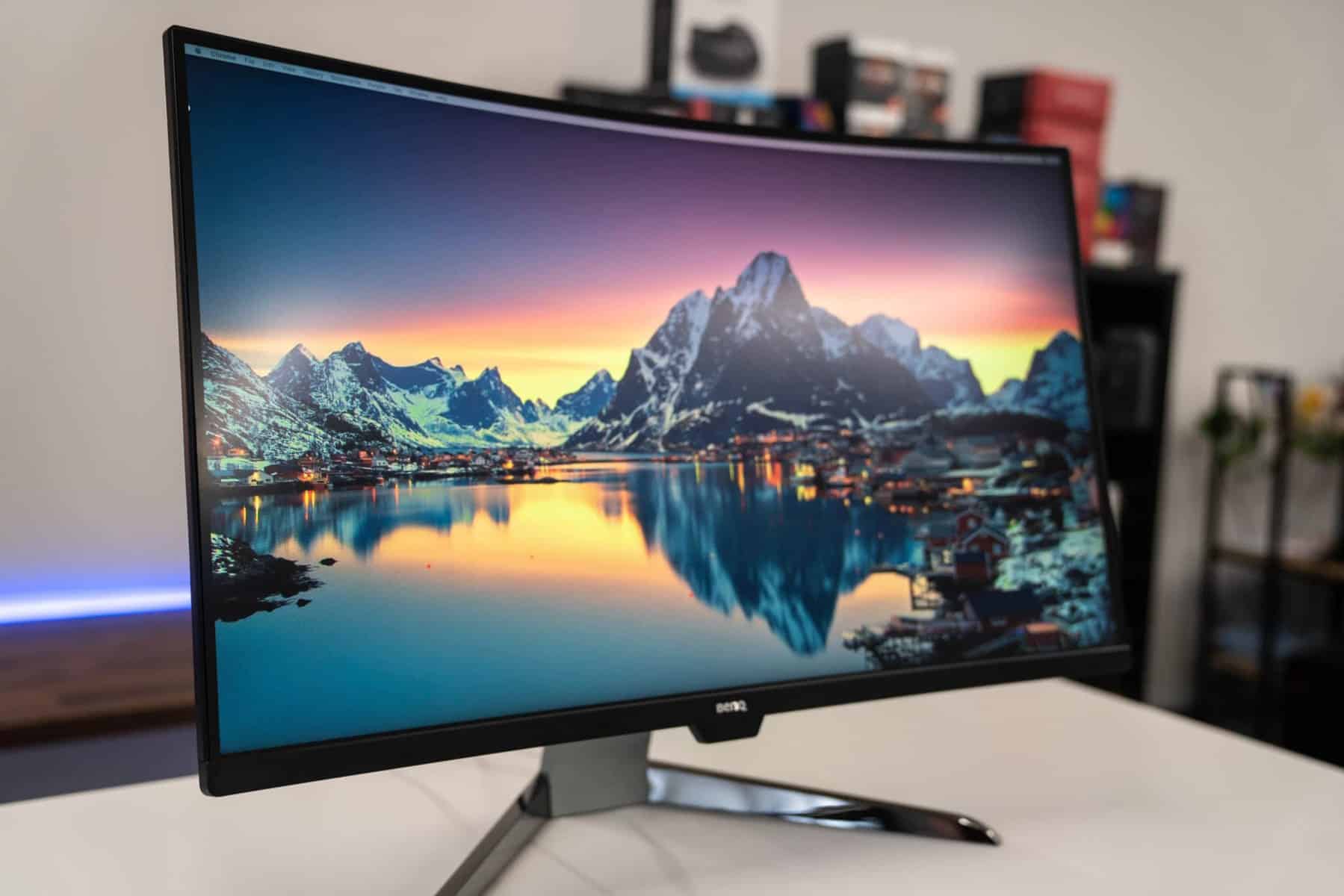
Understanding Your Purpose
When selecting a monitor, the first step is to identify your primary use case. Are you a gamer, a graphic designer, or someone who needs a monitor for general office work? Gamers typically look for monitors with high refresh rates and low response times to ensure smooth gameplay. Graphic designers and photographers, on the other hand, require monitors with accurate color reproduction and high resolution to ensure that their work is represented accurately. Office workers might prioritize features like ergonomic adjustability and eye-care technologies to reduce strain during long hours of use. Knowing your primary use will help narrow down the options and focus on the features that matter most to you.
Screen Size and Resolution
The size and resolution of your monitor are critical factors that affect your overall experience. Larger screens provide more workspace and can enhance productivity, especially for tasks that involve multitasking or detailed work. However, larger screens with higher resolutions, such as 4K or Ultra HD, also require more powerful hardware to run efficiently. For general use, a 24 to 27-inch monitor with a Full HD resolution is often sufficient. Gamers might prefer larger screens with higher resolutions to fully immerse themselves in their games, while professionals in design and photography might opt for larger, higher-resolution monitors to see finer details in their work.
Panel Types and Their Benefits
Monitors come with different panel types, each with its own set of advantages and disadvantages. Twisted Nematic (TN) panels are known for their fast response times and affordability, making them popular among gamers. However, they often suffer from poor color accuracy and limited viewing angles. In-Plane Switching (IPS) panels offer superior color accuracy and wider viewing angles, making them ideal for graphic design and photo editing. Vertical Alignment (VA) panels provide the best contrast ratios, which can be beneficial for watching movies or playing games in dark environments. Understanding the strengths and weaknesses of each panel type will help you choose a monitor that best suits your needs.
Connectivity Options
Modern monitors come with a variety of connectivity options, and choosing the right ones can greatly enhance your setup. HDMI and DisplayPort are the most common interfaces for connecting your monitor to your computer, offering high-definition video and audio. USB-C is becoming increasingly popular due to its versatility, allowing you to transmit data, video, and power through a single cable. Some monitors also come with built-in USB hubs, which can be convenient for connecting peripherals like keyboards and mice. Ensure that the monitor you choose has the necessary ports to connect all your devices seamlessly.
Additional Features and Ergonomics
Finally, consider any additional features that might enhance your user experience. Adjustable stands allow you to change the height, tilt, and swivel of your monitor, which can be crucial for maintaining good posture and reducing neck strain. Built-in speakers can be a convenient feature if you don't have external speakers, although they often don't match the sound quality of dedicated audio equipment. Eye-care technologies, such as blue light filters and flicker-free screens, can help reduce eye strain during prolonged use. By considering these additional features, you can choose a monitor that not only meets your technical requirements but also provides a comfortable and enjoyable user experience.